Flux 3 AI Image Generator — Create 4K Images Free

Transform your images with AI

0/2000

Preview

Result will appear here

Flux 3 Use Cases

Explore amazing AI image transformations powered by Flux 3. Click any card to try the prompt yourself.
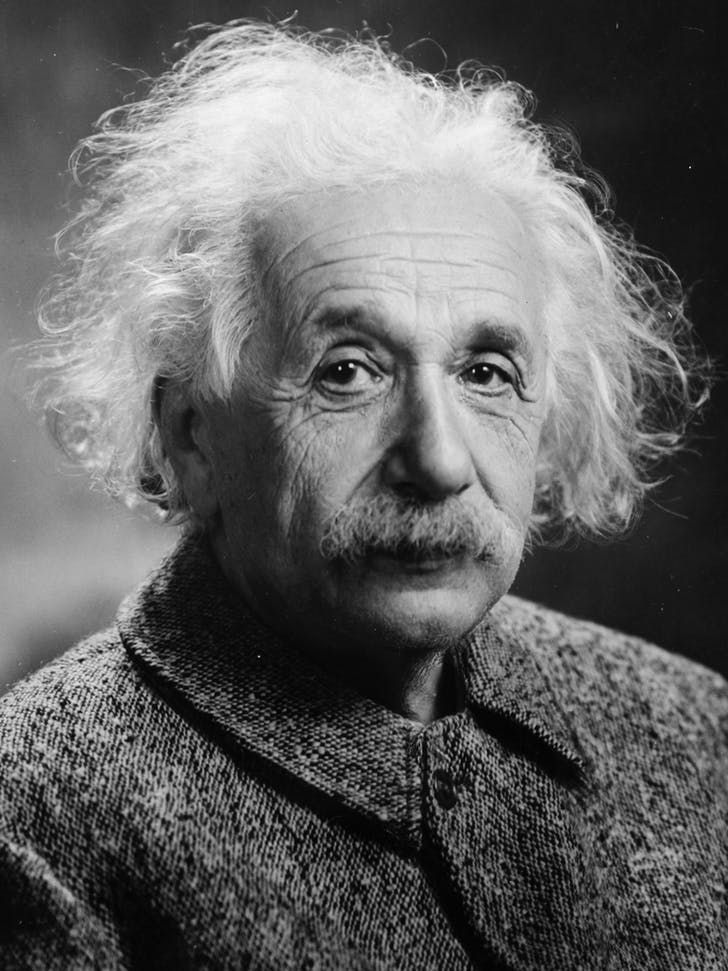
Original
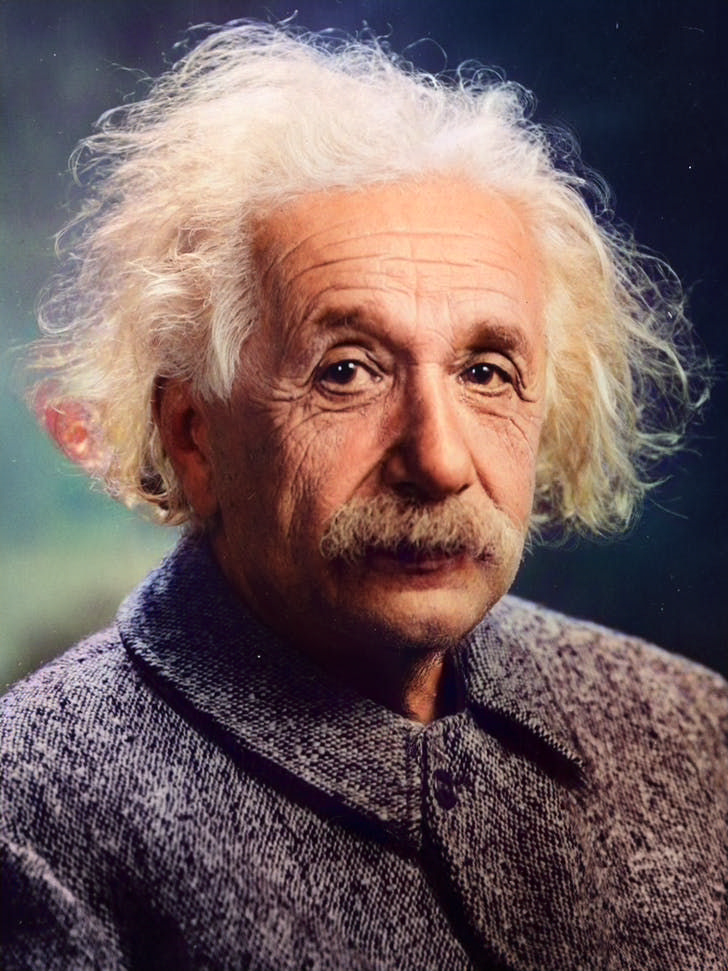
Result
Try This Prompt

AI Photo Colorizer

Colorize the photo with natural skin tones, realistic clothing and background colors; avoid oversaturation and preserve fine details.
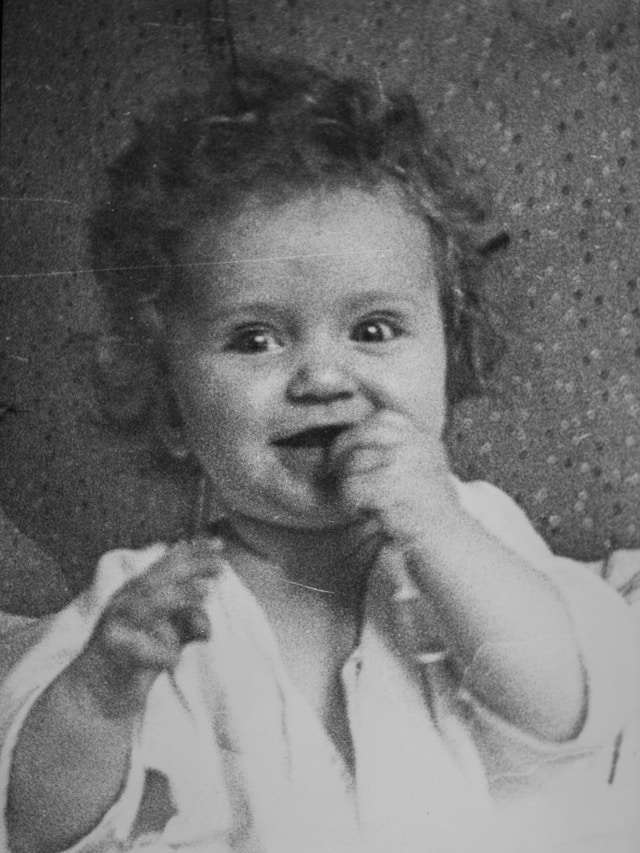
Original
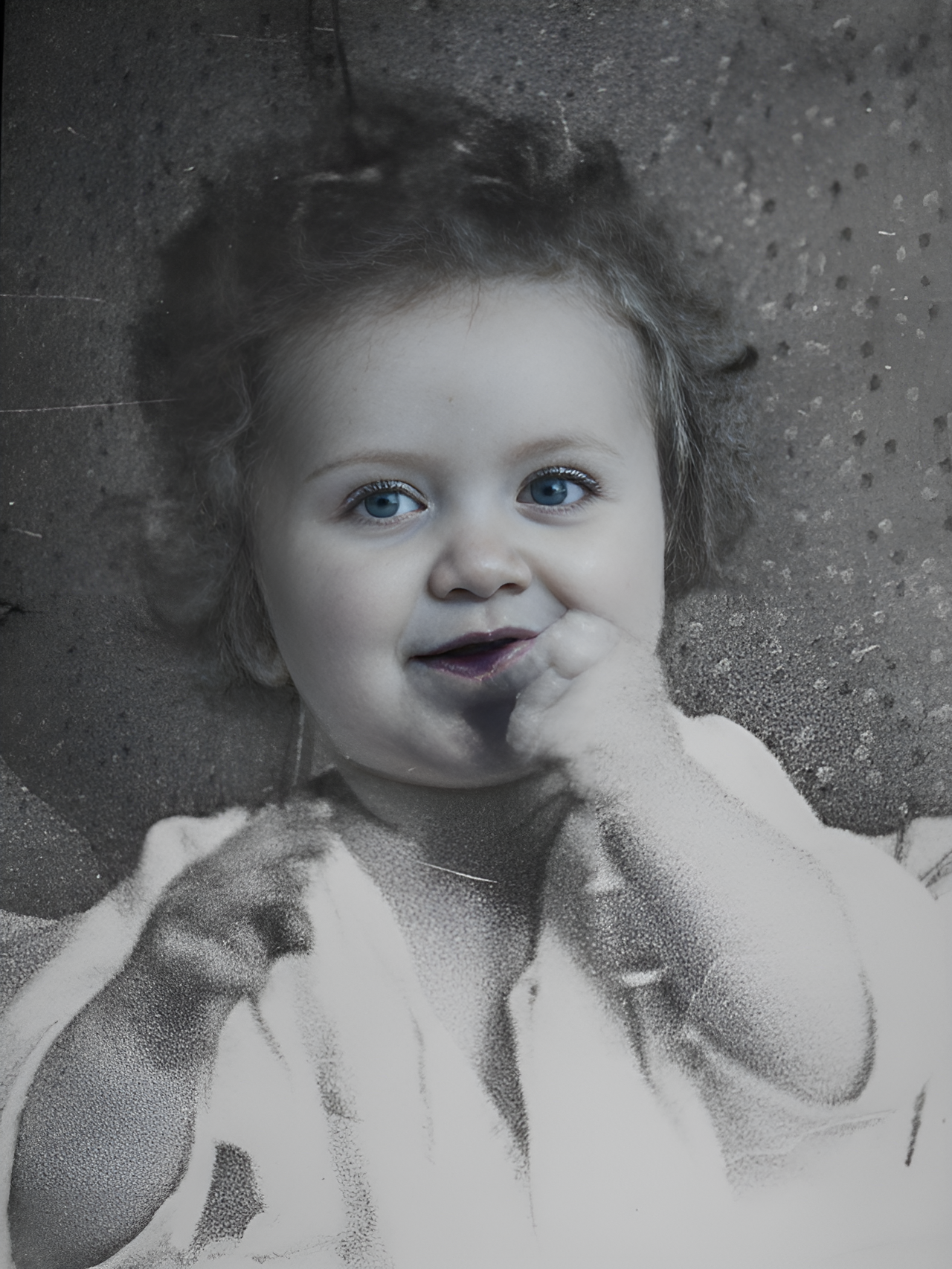
Result
Try This Prompt

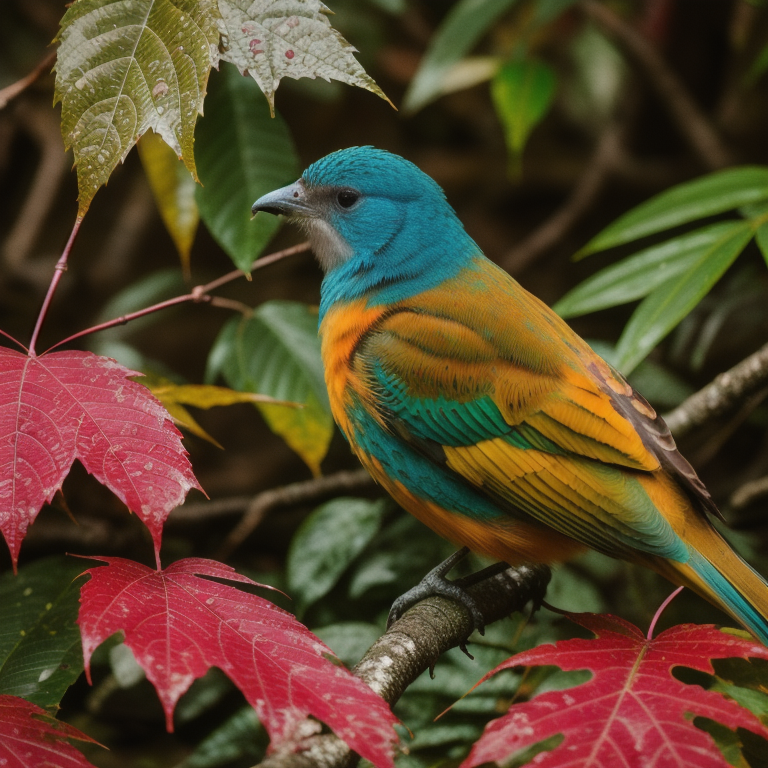
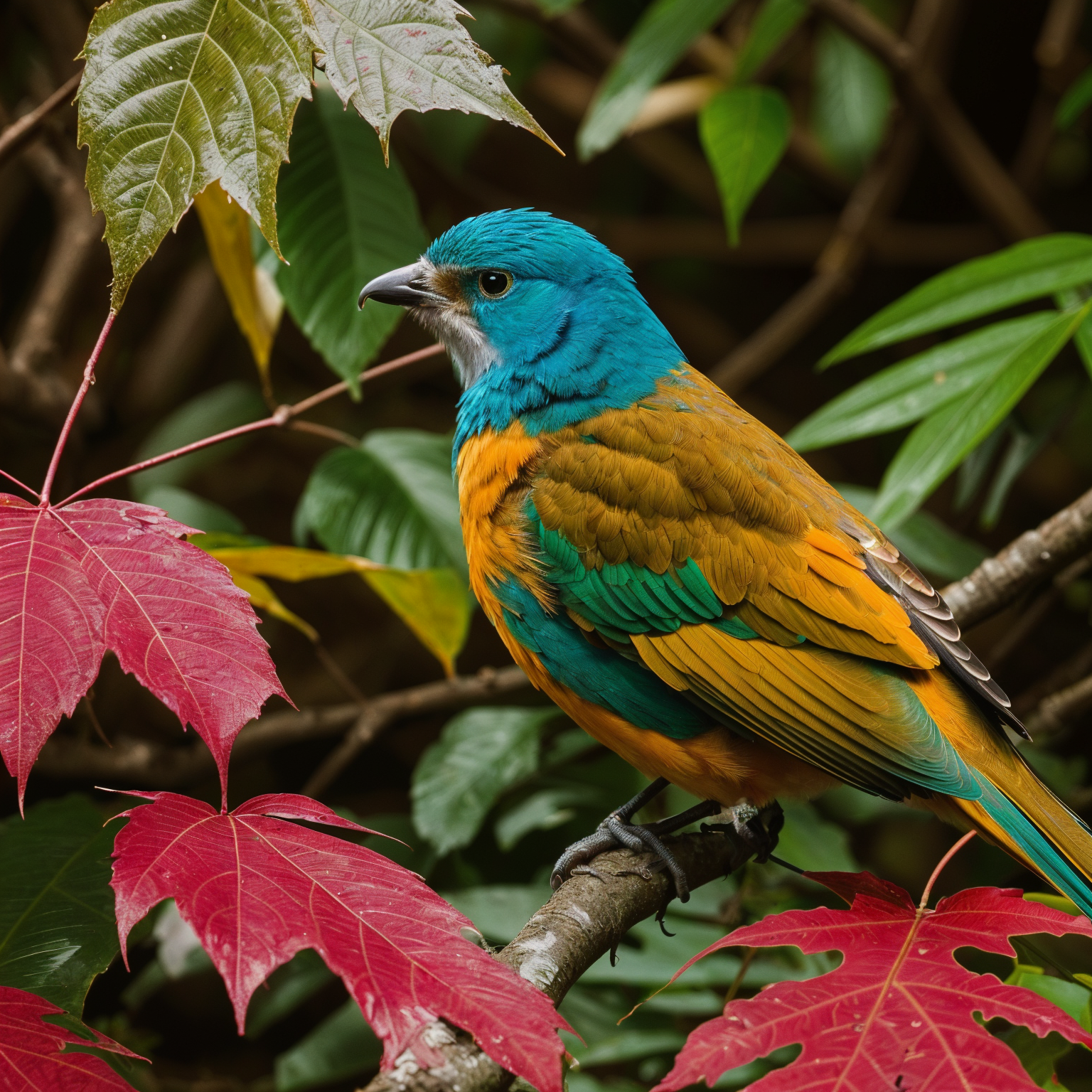
AI Photo Restore

Transform into a modern high-quality digital portrait with vibrant updated colors, smooth realistic skin textures, and natural lighting. The outfit and background should be upgraded into a clean, modern aesthetic while preserving the authenticity of the original pose and expression.
Original
Result
Try This Prompt

AI Photo Upscaler

Upscale 4x with super-resolution; preserve textures and edges, reduce artifacts, keep natural sharpness and contrast without halos.
AI Result
Try This Prompt

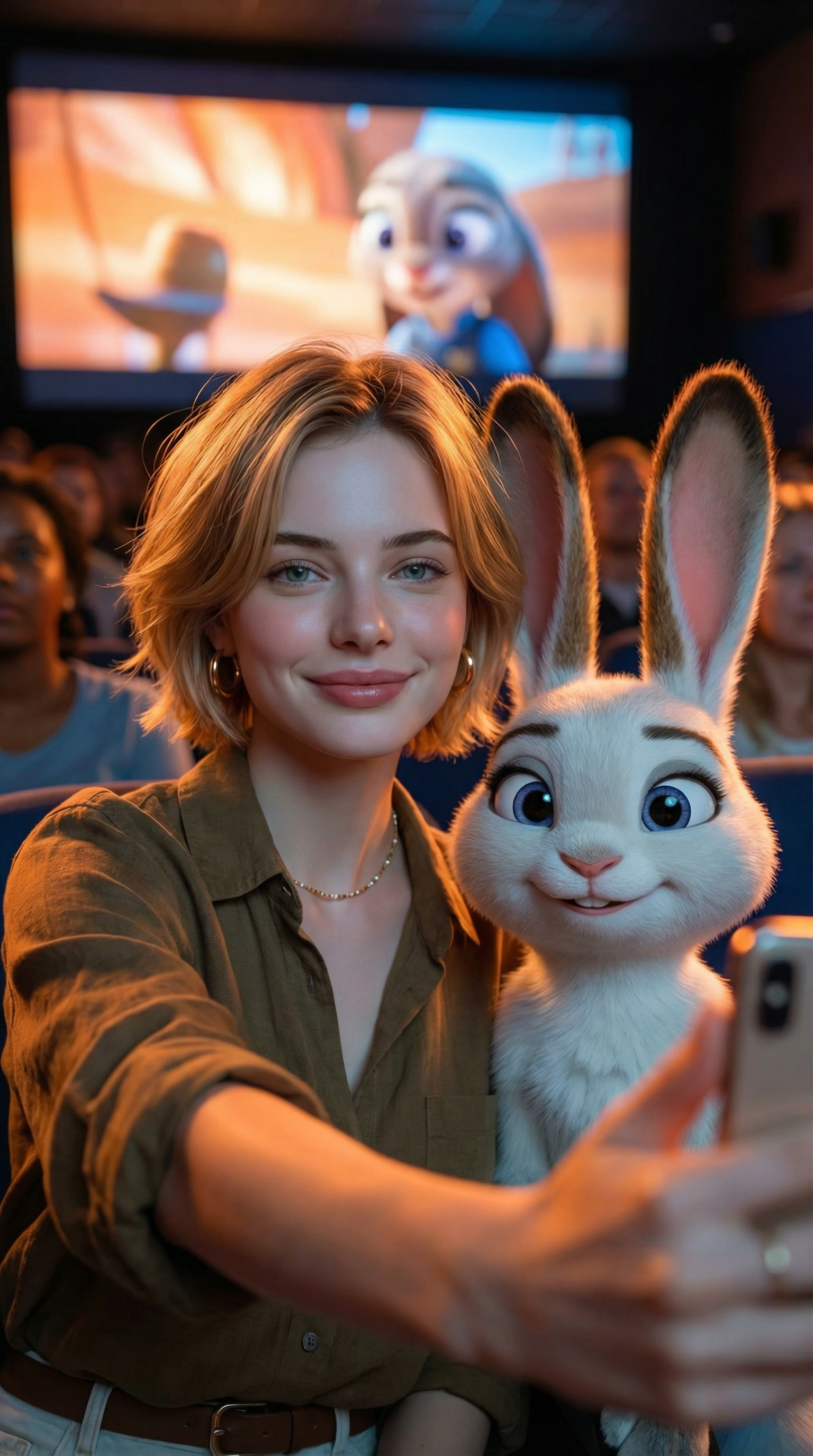
Create an ultra-realistic selfie photo. Use the uploaded image as the exact character reference — do not modify, alter, or adjust any facial features, hairstyle, clothing, or accessories of the person in the uploaded image. Add Judy Hopps from Zootopia (Disney character) standing next to the real person. Scene: A dark, crowded movie theater. A large cinema screen in the background is showing a scene from Zootopia. Cinematic lighting with warm ambient glow. Composition: Selfie angle. The real person from Image 1 (preserve all original features exactly) is taking a selfie together with Judy Hopps. [describe the pose/action here]. Both subjects are in sharp focus. Ultra-HD, 8K quality, hyper-realistic photography style with natural light mixed with screen glow, shallow depth of field. Important: The human subject must look identical to the uploaded reference image — no changes to hairstyle, clothing, accessories, or facial details. The only added element should be the Zootopia character integrated naturally into the scene.
AI Result
Try This Prompt

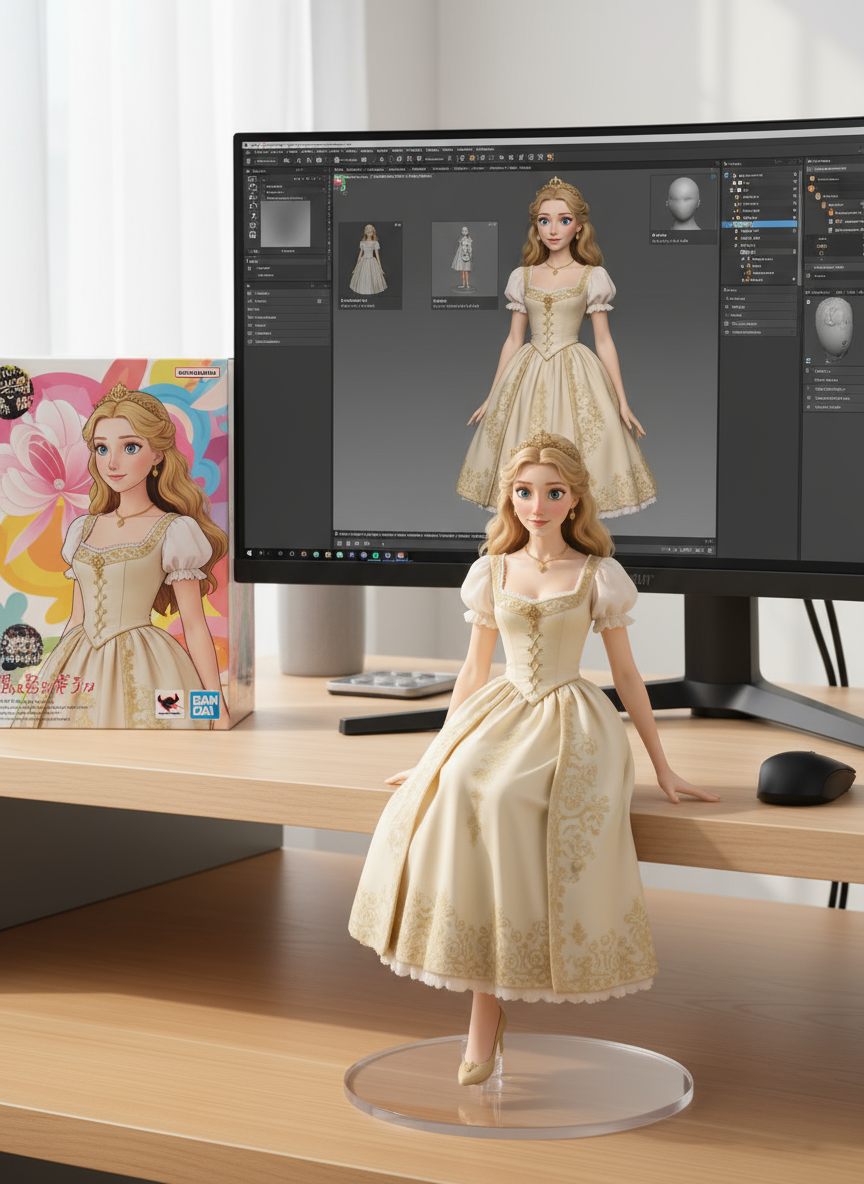
create a 1/7 scale commercialized figure of thecharacter in the illustration, in a realistic styie and environment.Place the figure on a computer desk, using a circular transparent acrylic base without any text.On the computer screen, display the ZBrush modeling process of the figure.Next to the computer screen, place a BANDAl-style toy packaging box printedwith the original artwork.
AI Result
Try This Prompt

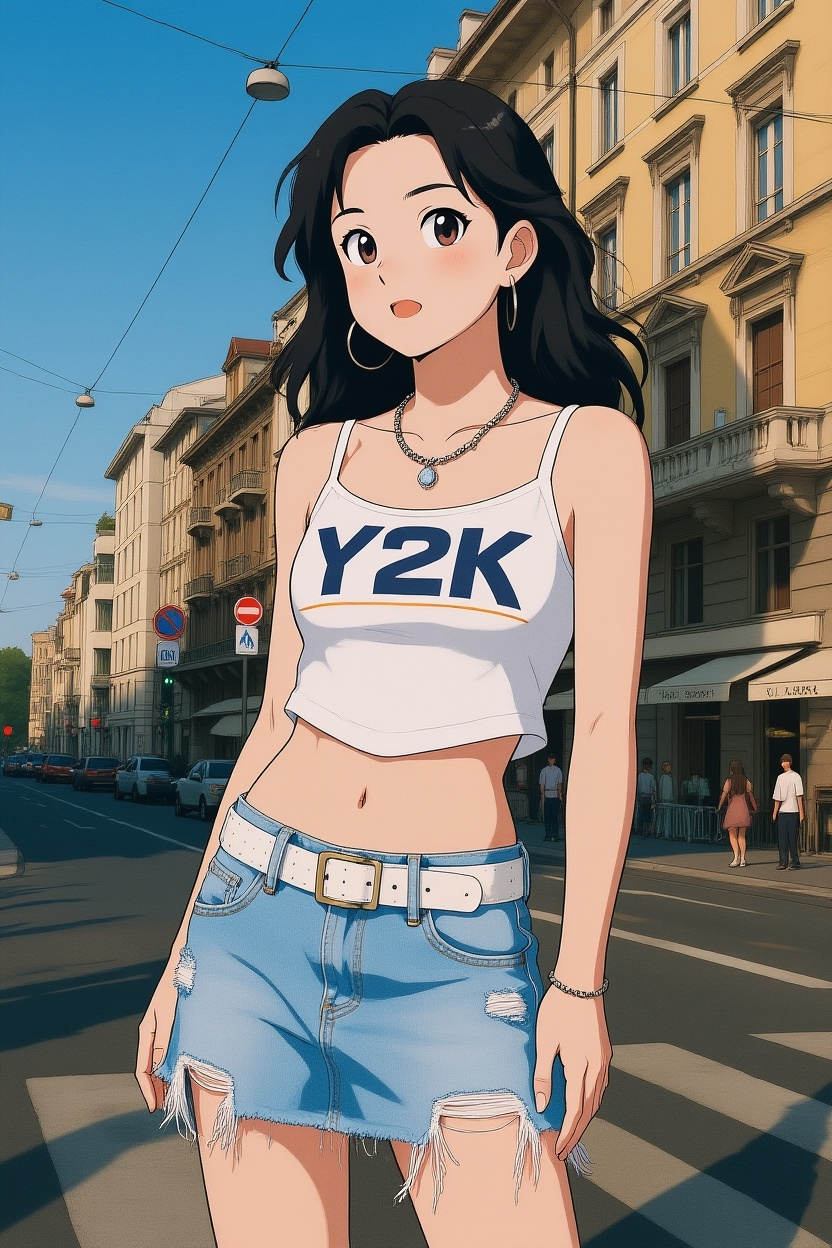
Convert photos into Ghibli-style illustrations

Discover more AI image prompts in our curated library
Key Features of the Flux 3 AI Image Generator

  • Natural Language Editing: The Flux 3 AI Image Generator modifies images using simple text instructions — no masking, layering, or manual tools required. Rapid iteration and creative exploration made effortless.
  • Context-Aware Understanding: Black Forest Labs Flux 3 accurately interprets scene structure, spatial relationships, and object semantics for realistic results. Advanced AI understands your creative intent.
  • Style and Tone Preservation: Keeps lighting, shadows, and texture consistent with original images while applying changes seamlessly. Professional results every time with the Flux 3 AI Image Generator.
  • Multiple Image Editing: Process multiple images simultaneously for batch editing and consistency. Ideal for professional workflows and large projects with Flux 3 Pro.
How to Use Flux 3 AI Image Generator Background

How to Use Flux 3 AI Image Generator

01

Open the Tool

Open Flux 3 and start creating with the Flux 3 AI Image Generator.

02

Add Your Content

Upload an image or describe what you want in plain language. Flux 3 and Flux3 AI accept both text prompts and reference images.

03

Generate and Download Your Image

Click Generate. Black Forest Labs Flux 3 produces your image in seconds. Preview, edit, and download high-resolution results from the Flux 3 AI Image Generator.

Flux 3 AI Image Generator FAQ

Flux 3 is an AI-powered image generator built on Black Forest Labs Flux 3. It turns text prompts or photos into high-quality 4K images. Use the Flux 3 AI Image Generator Free in your browser, or upgrade to Flux 3 Pro for advanced controls.
Enter a text prompt or upload a reference image — Flux 3 generates a matching image in seconds. Both the free tier and Pro share the same Black Forest Labs Flux 3 engine, with Flux.3 AI handling prompt understanding and image rendering.
Yes. Start with the Flux 3 AI Image Generator Free and starter credits — no card needed. Upgrade to Flux 3 Pro when you need more volume or advanced features.
Yes. Flux 3 delivers sharper details, better prompt adherence, improved lighting and composition, and supports 8K output. Black Forest Labs Flux 3 is a significant upgrade over Flux 2 across all quality metrics.
Yes. The Flux 3 8K AI model supports ultra-high-resolution image generation. Flux 3 Pro users can access the 8K model for print-quality and large-format output.
Flux 3 offers competitive quality powered by Black Forest Labs Flux 3, plus it is available as a free online tool — no download needed. It excels at prompt adherence and style consistency. Try the Flux 3 AI Image Generator Free and compare.
The Flux 3 AI Image Generator Free gives you starter credits at no cost. Flux 3 Pro offers flexible plans with more credits, faster generation, and 8K AI model access. Visit our pricing page for details.
Flux 3 introduces scene-smart understanding, balanced lighting and tone, one-click style swaps, 4K-ready output, and 8K AI model support — all built on Black Forest Labs Flux 3 with improved speed and consistency.
Flux 3 is currently available as a cloud-based service in Free and Pro tiers. Check Black Forest Labs' official channels for open-source announcements.
Yes, all downloaded images include commercial licenses. Use the Flux 3 AI Image Generator Free or Pro for marketing, ads, design, and commercial projects.

Contact Us

Have questions or feedback about Flux 3? We'd love to hear from you!

Start Creating with Flux 3 AI Image Generator Free

Upload images or type a prompt — Flux 3 helps you create your first image in minutes. Powered by Black Forest Labs Flux 3.