Flux 3 ist der Flux.3-KI-Bild- und Videogenerator auf Basis von Black Forest Labs Flux 3. Erstellen Sie beeindruckende 4K-Bilder aus Text-Prompts oder Referenzfotos und verwandeln Sie sie mit KI-Videogenerierung in lebendige Clips. Der Flux 3 AI Bild- & Videogenerator Free ermöglicht einen sofortigen Einstieg — upgraden Sie auf Flux 3 Pro für erweiterte Steuerung, höheres Volumen und Prioritäts-Generierung.
Entdecken Sie beeindruckende KI-Bildtransformationen mit Flux 3. Klicken Sie auf eine Karte, um den Prompt auszuprobieren.
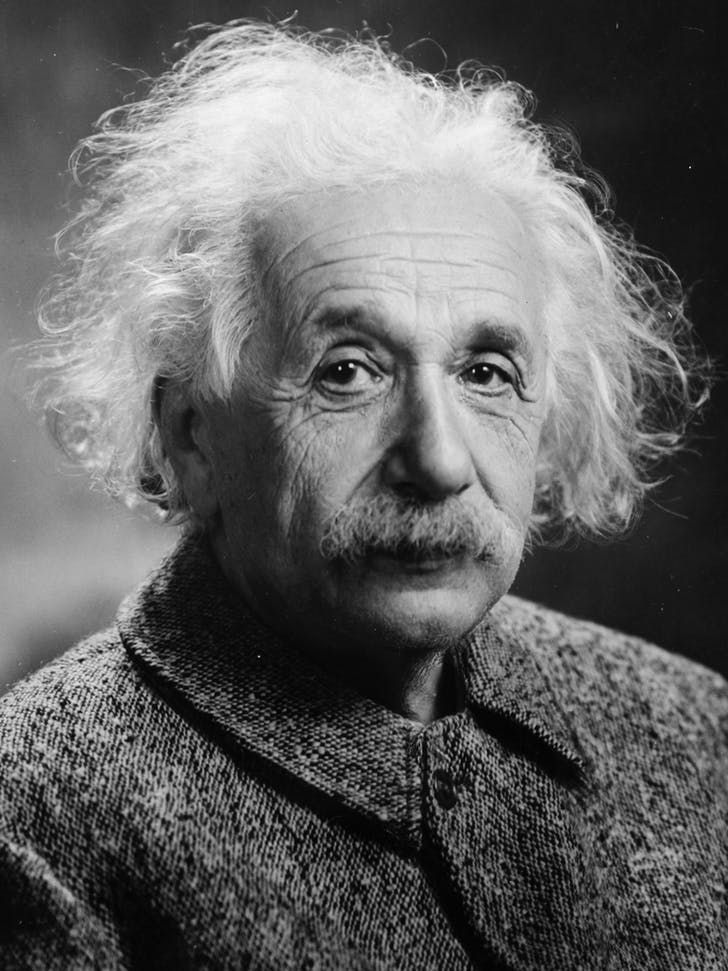
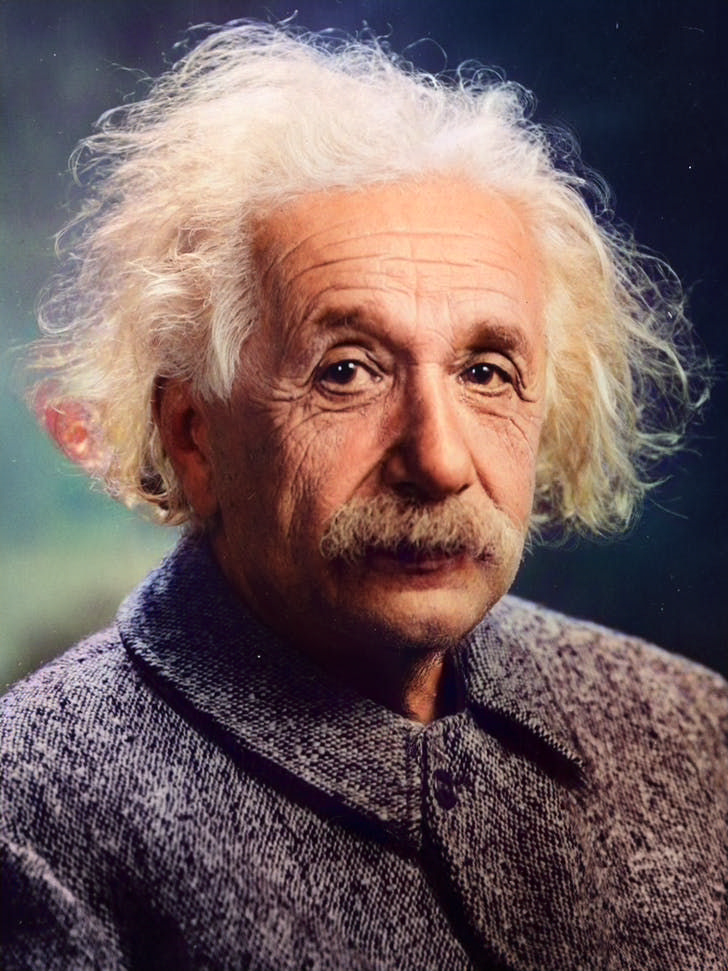
Colorize the photo with natural skin tones, realistic clothing and background colors; avoid oversaturation and preserve fine details.
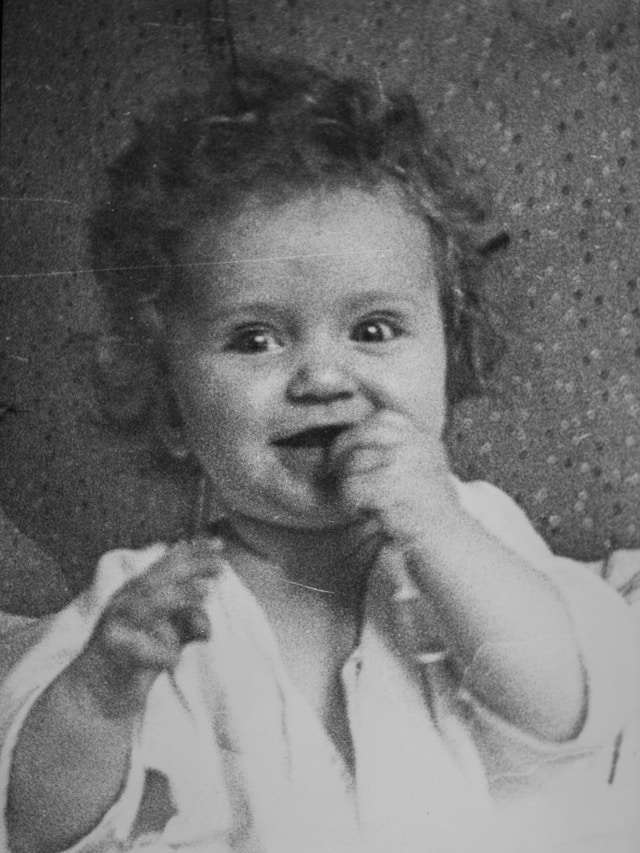
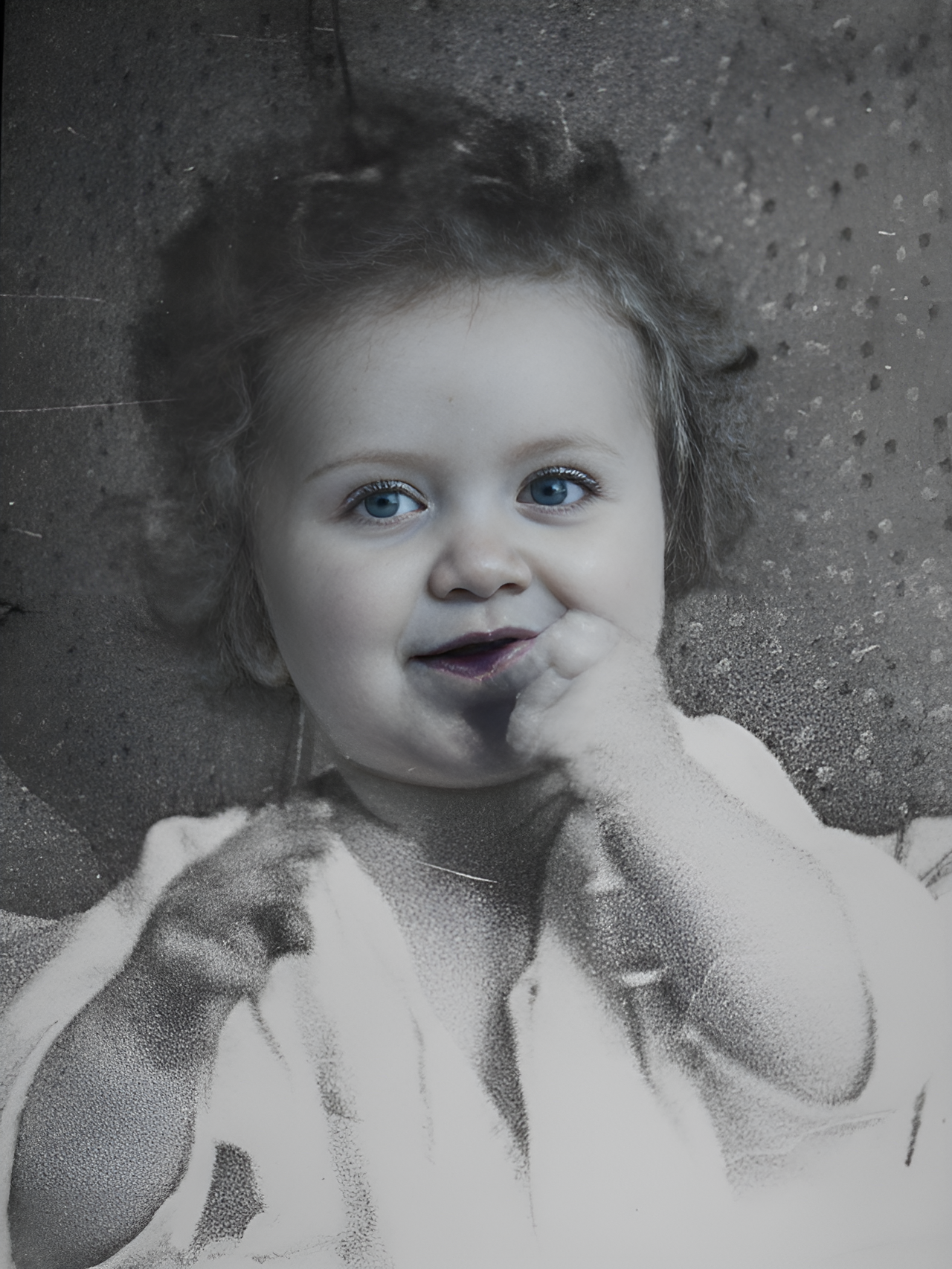
Transform into a modern high-quality digital portrait with vibrant updated colors, smooth realistic skin textures, and natural lighting. The outfit and background should be upgraded into a clean, modern aesthetic while preserving the authenticity of the original pose and expression.
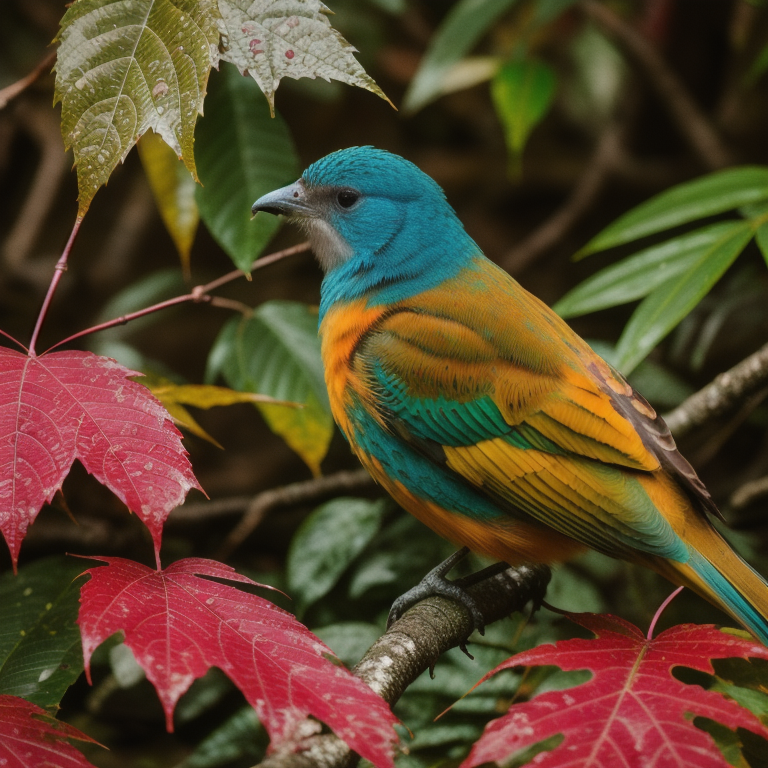
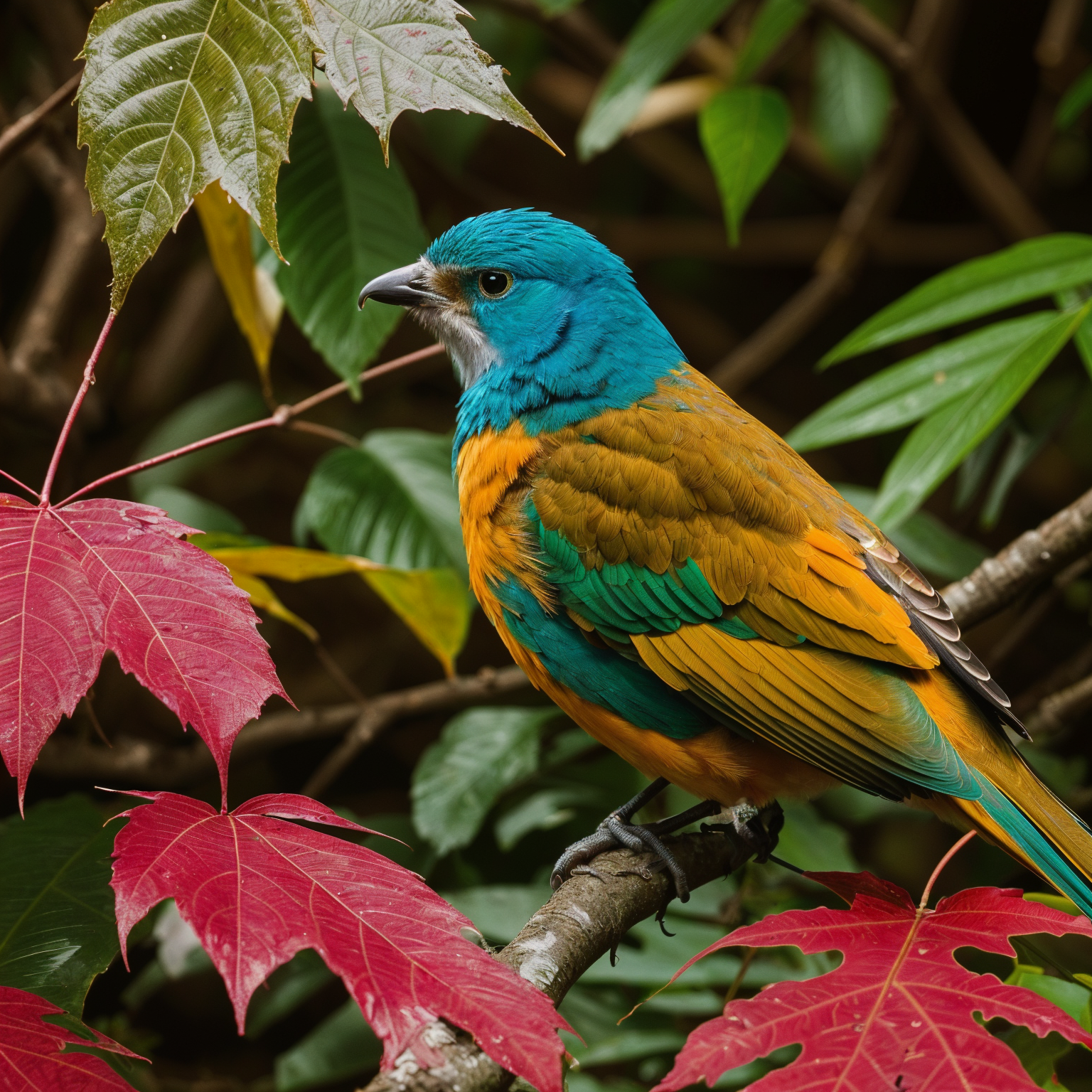
Upscale 4x with super-resolution; preserve textures and edges, reduce artifacts, keep natural sharpness and contrast without halos.
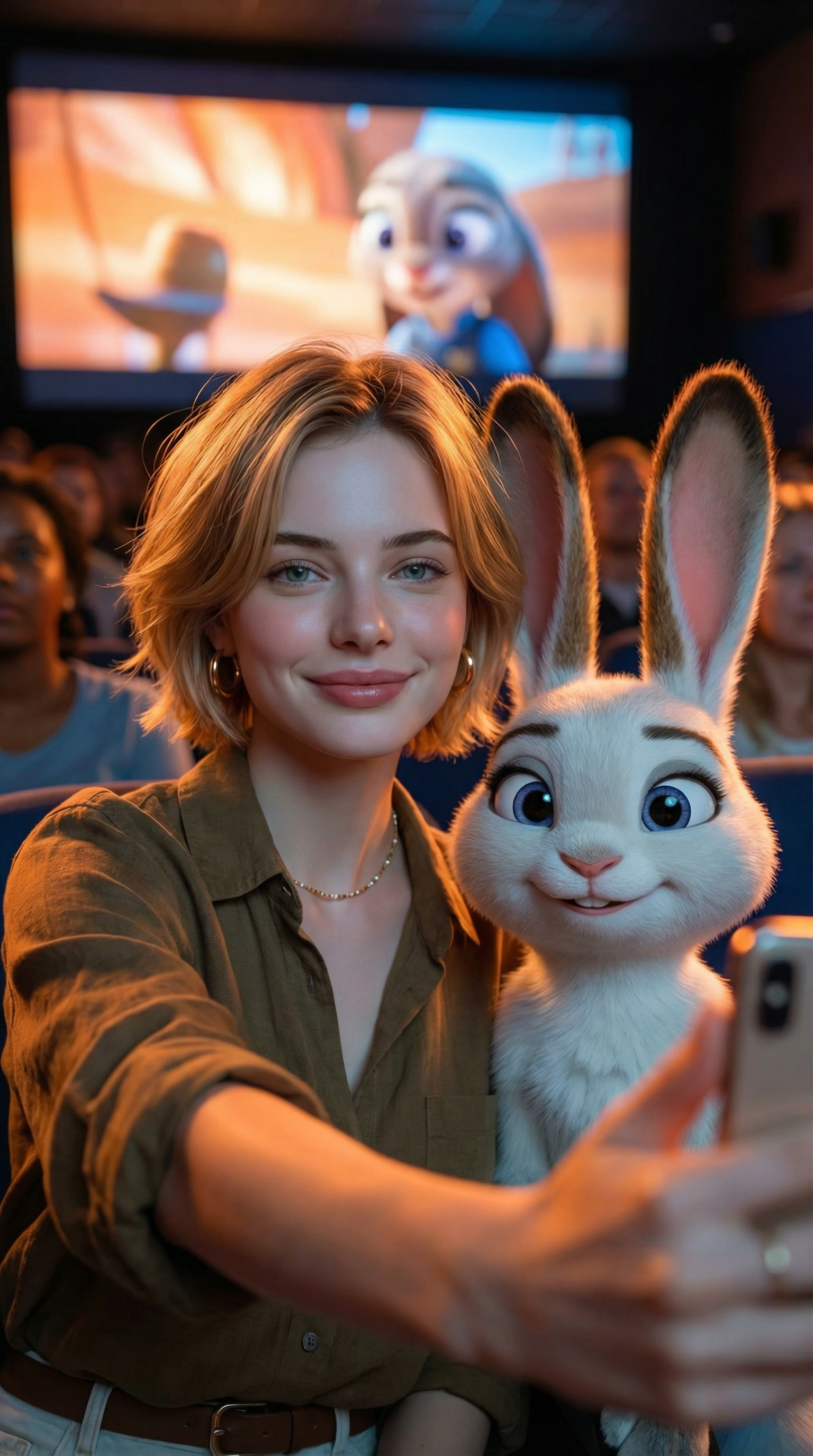
Create an ultra-realistic selfie photo. Use the uploaded image as the exact character reference — do not modify, alter, or adjust any facial features, hairstyle, clothing, or accessories of the person in the uploaded image. Add Judy Hopps from Zootopia (Disney character) standing next to the real person. Scene: A dark, crowded movie theater. A large cinema screen in the background is showing a scene from Zootopia. Cinematic lighting with warm ambient glow. Composition: Selfie angle. The real person from Image 1 (preserve all original features exactly) is taking a selfie together with Judy Hopps. [describe the pose/action here]. Both subjects are in sharp focus. Ultra-HD, 8K quality, hyper-realistic photography style with natural light mixed with screen glow, shallow depth of field. Important: The human subject must look identical to the uploaded reference image — no changes to hairstyle, clothing, accessories, or facial details. The only added element should be the Zootopia character integrated naturally into the scene.
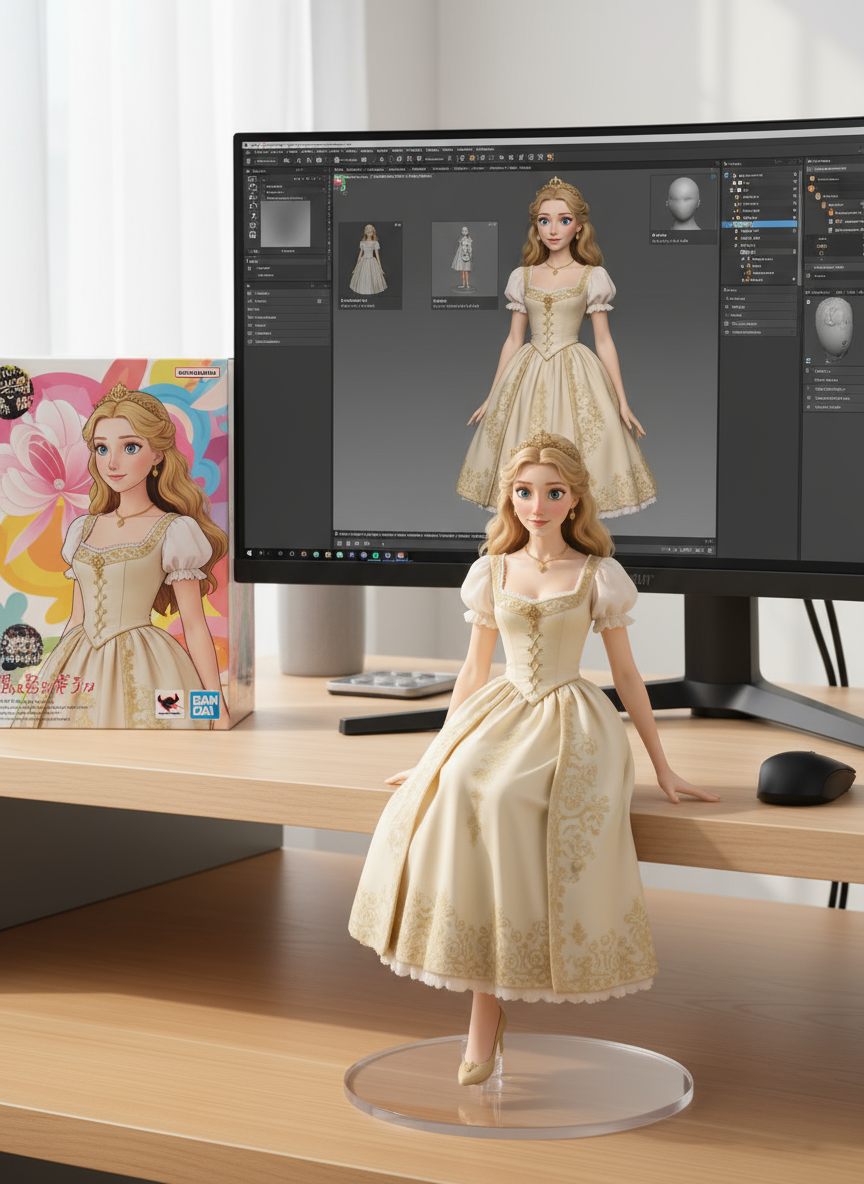
create a 1/7 scale commercialized figure of thecharacter in the illustration, in a realistic styie and environment.Place the figure on a computer desk, using a circular transparent acrylic base without any text.On the computer screen, display the ZBrush modeling process of the figure.Next to the computer screen, place a BANDAl-style toy packaging box printedwith the original artwork.
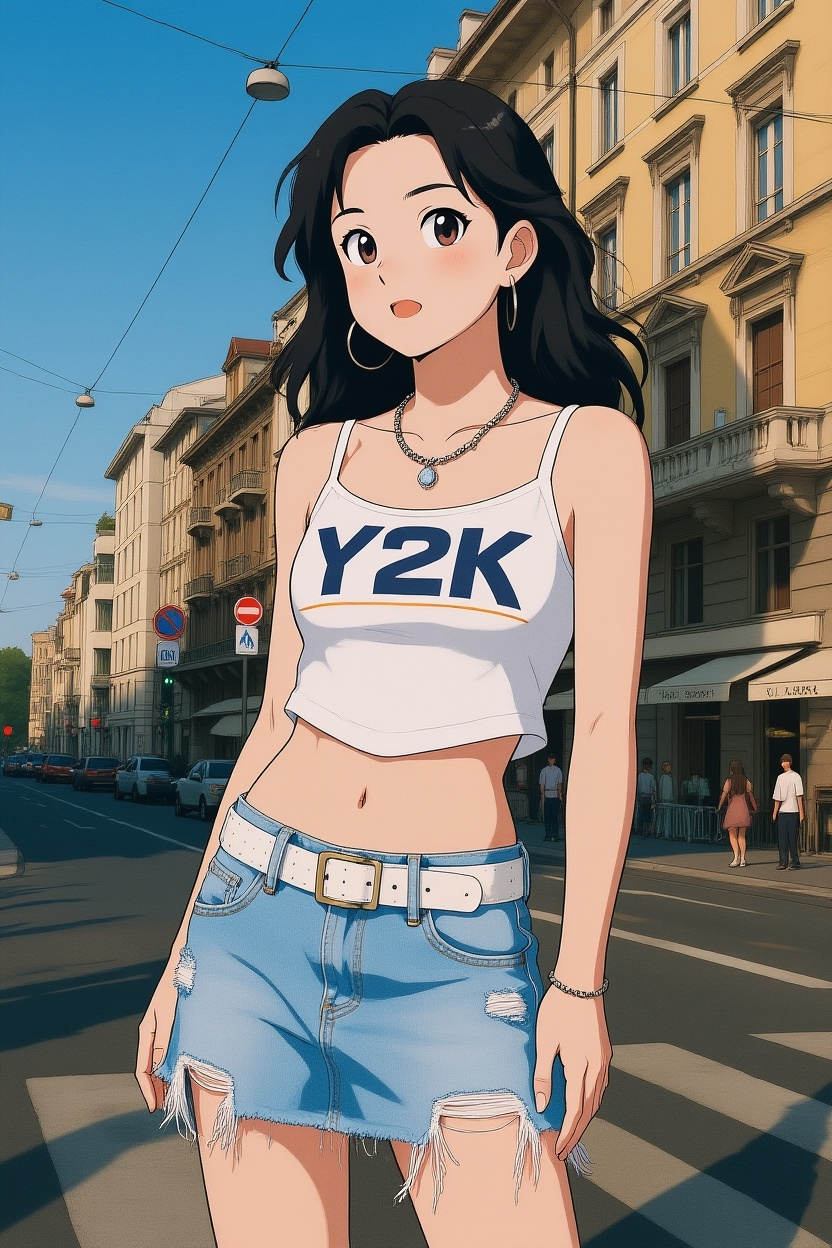
Convert photos into Ghibli-style illustrations
Entdecken Sie mehr KI-Bild-Prompts in unserer Bibliothek
Flux 3 öffnen und starten Sie mit Flux 3 AI Image Generator.
Laden Sie ein Bild hoch oder beschreiben Sie in einfachen Worten, was Sie möchten.
Klicken Sie auf Generieren. Black Forest Labs Flux 3 erstellt Ihr Bild in Sekunden. Vorschau, Bearbeitung und Download in hoher Auflösung vom Flux 3 AI Image Generator.
Laden Sie Bilder hoch oder geben Sie einen Prompt ein — Flux 3 hilft Ihnen, Ihr erstes Bild in Minuten zu erstellen.
