用 AI 转换你的图片
Result will appear here
探索由 Flux 3 驱动的精彩 AI 图片变换。点击任意卡片即可试用该提示词。
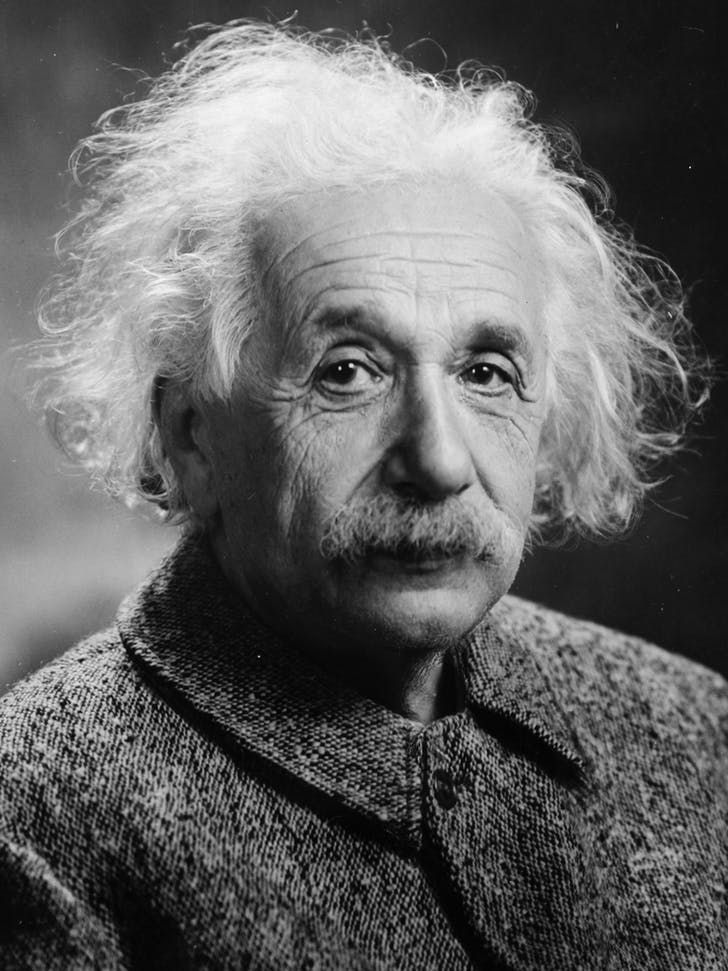
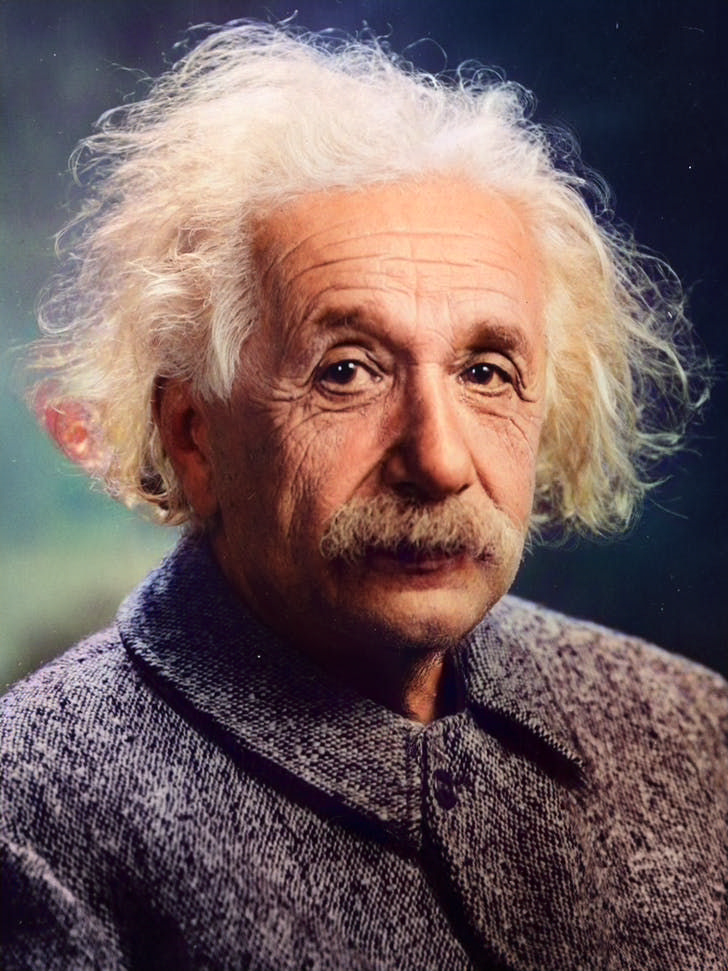
Colorize the photo with natural skin tones, realistic clothing and background colors; avoid oversaturation and preserve fine details.
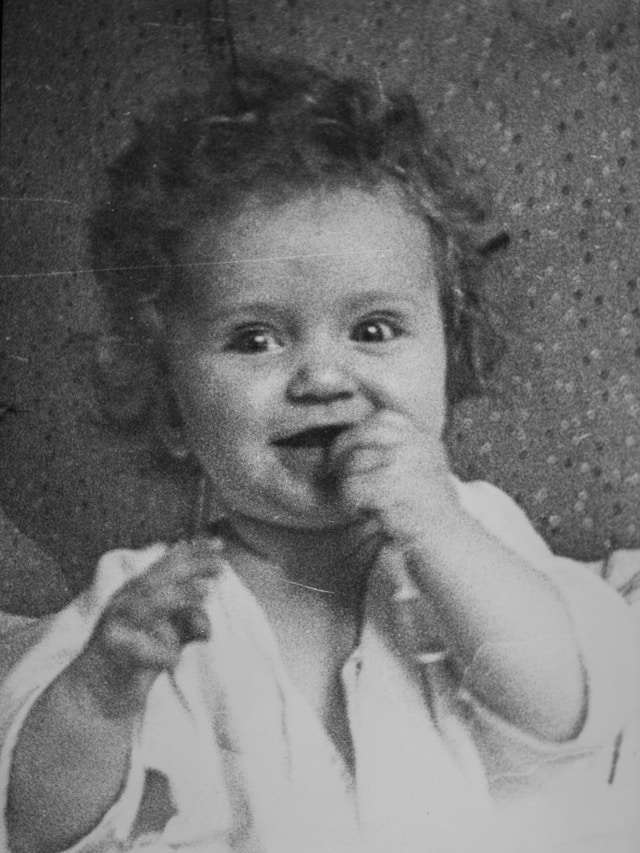
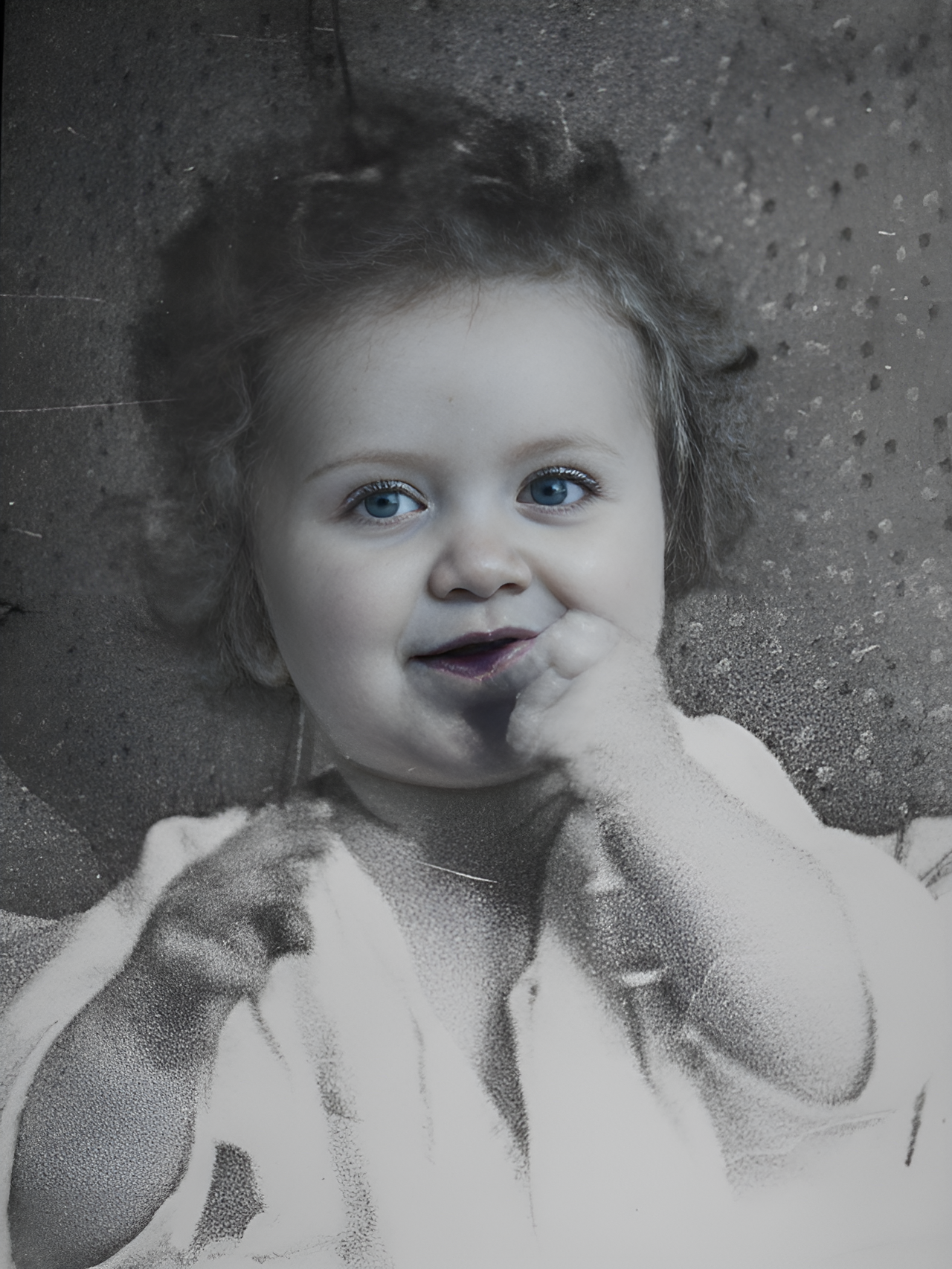
Transform into a modern high-quality digital portrait with vibrant updated colors, smooth realistic skin textures, and natural lighting. The outfit and background should be upgraded into a clean, modern aesthetic while preserving the authenticity of the original pose and expression.
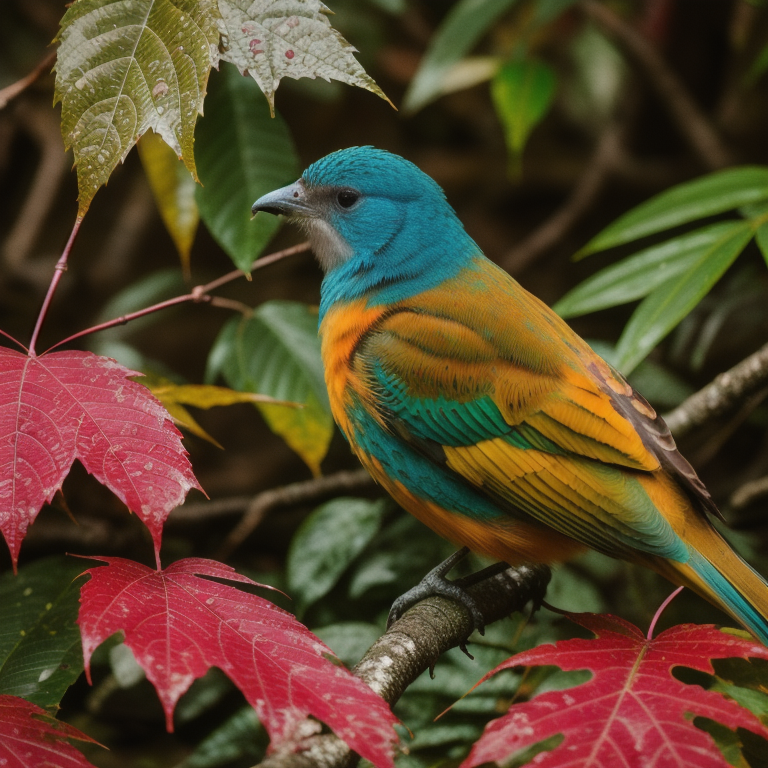
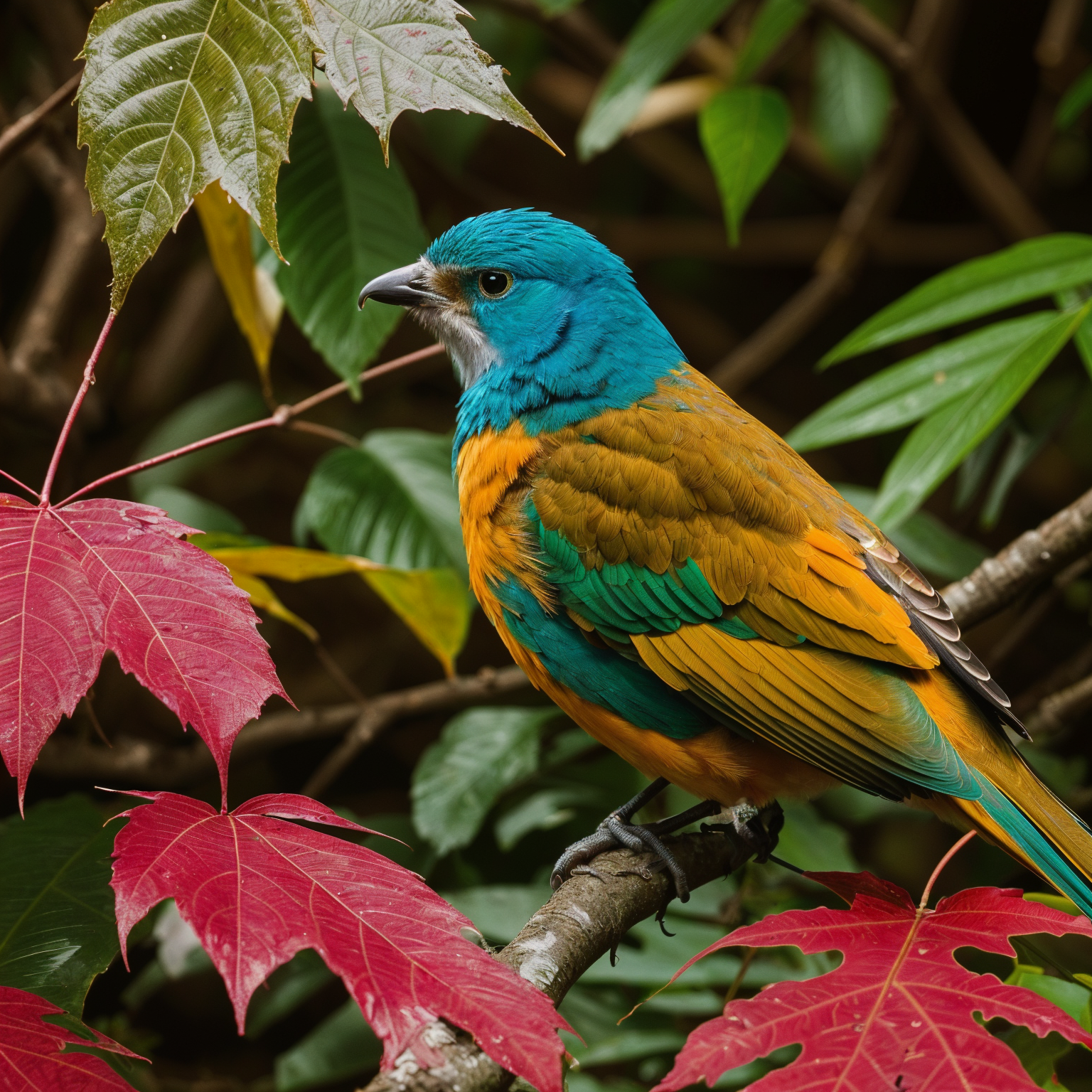
Upscale 4x with super-resolution; preserve textures and edges, reduce artifacts, keep natural sharpness and contrast without halos.
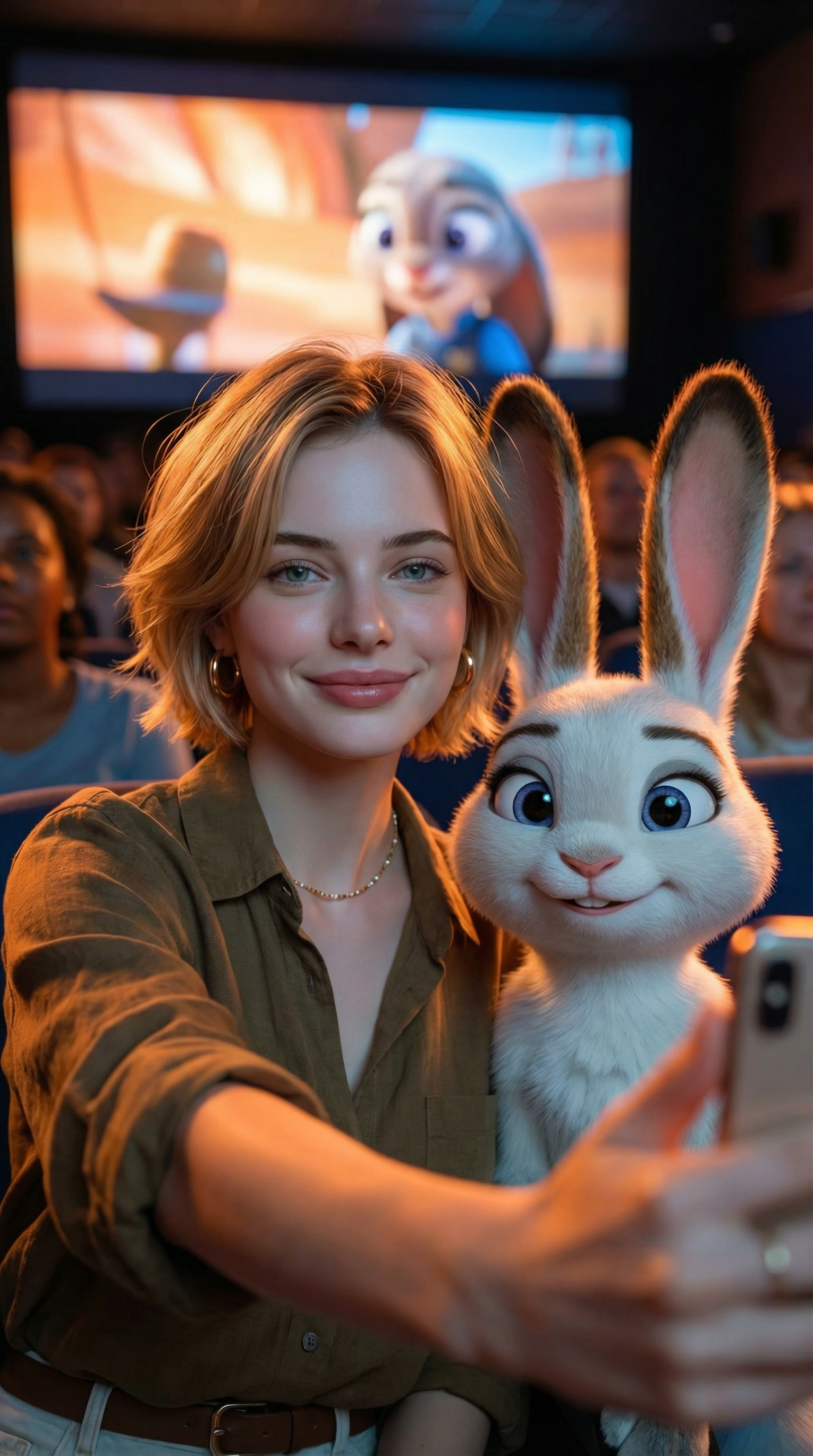
Create an ultra-realistic selfie photo. Use the uploaded image as the exact character reference — do not modify, alter, or adjust any facial features, hairstyle, clothing, or accessories of the person in the uploaded image. Add Judy Hopps from Zootopia (Disney character) standing next to the real person. Scene: A dark, crowded movie theater. A large cinema screen in the background is showing a scene from Zootopia. Cinematic lighting with warm ambient glow. Composition: Selfie angle. The real person from Image 1 (preserve all original features exactly) is taking a selfie together with Judy Hopps. [describe the pose/action here]. Both subjects are in sharp focus. Ultra-HD, 8K quality, hyper-realistic photography style with natural light mixed with screen glow, shallow depth of field. Important: The human subject must look identical to the uploaded reference image — no changes to hairstyle, clothing, accessories, or facial details. The only added element should be the Zootopia character integrated naturally into the scene.
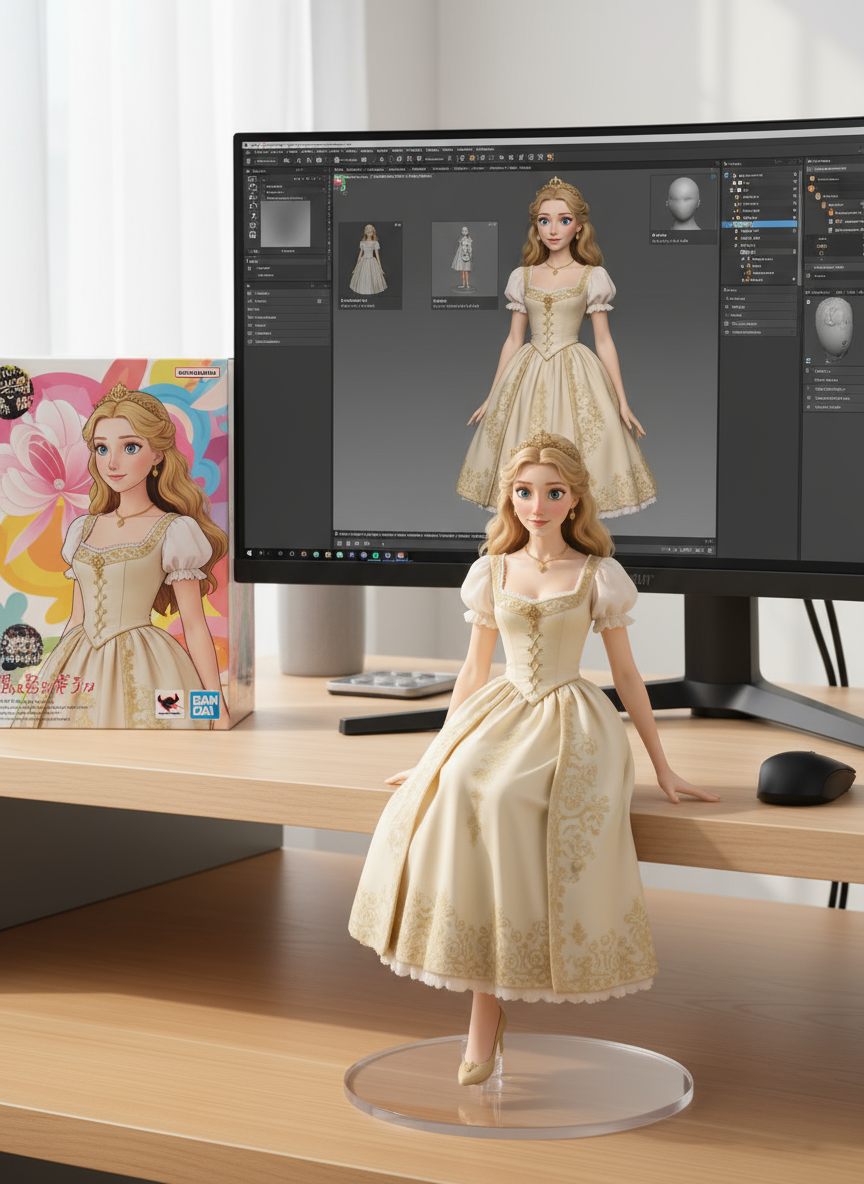
create a 1/7 scale commercialized figure of thecharacter in the illustration, in a realistic styie and environment.Place the figure on a computer desk, using a circular transparent acrylic base without any text.On the computer screen, display the ZBrush modeling process of the figure.Next to the computer screen, place a BANDAl-style toy packaging box printedwith the original artwork.
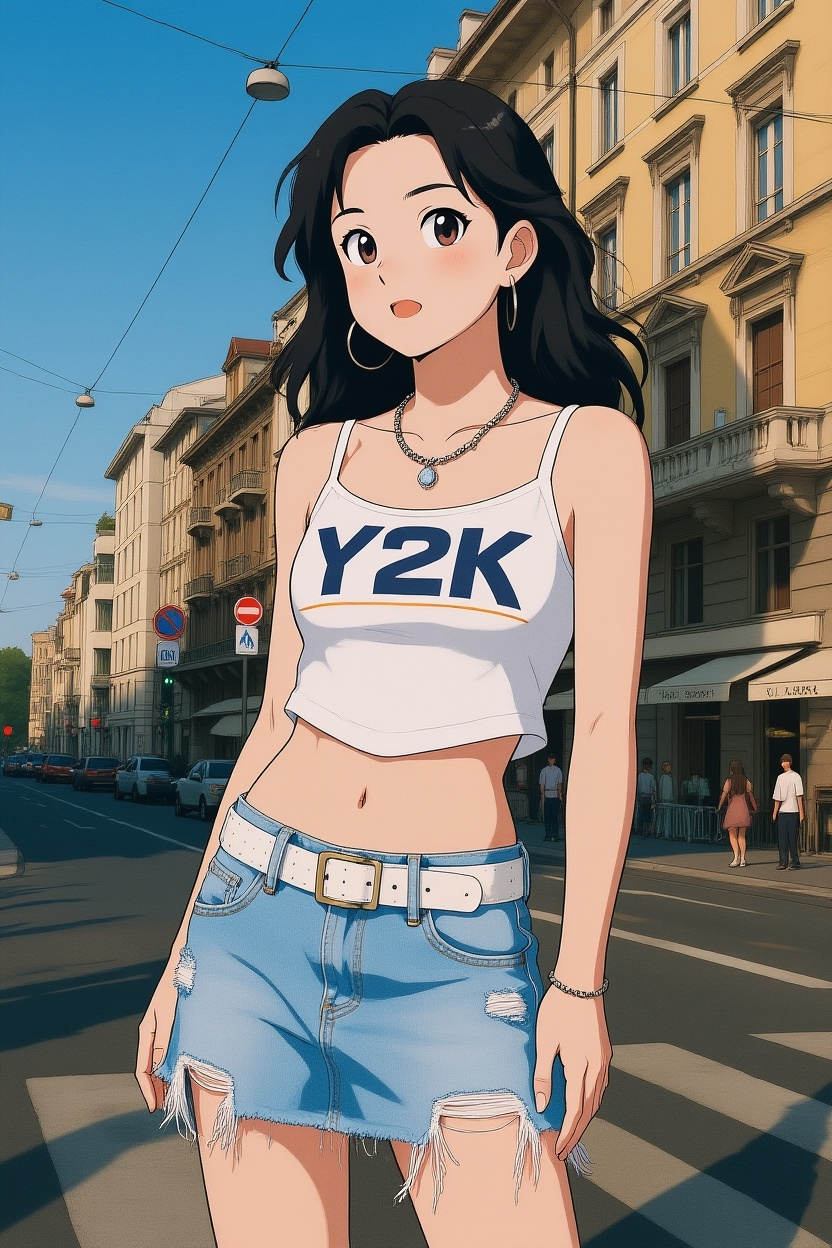
Convert photos into Ghibli-style illustrations
在我们精心整理的提示词库中发现更多 AI 图片提示词
打开 Flux 3 开始使用 Flux 3 AI 图片生成器创作。
上传图片或用自然语言描述你想要的内容。Flux 3 和 Flux3 AI 同时支持文字提示和参考图片。
点击生成。Black Forest Labs Flux 3 在数秒内生成你的图片。预览、编辑并下载 Flux 3 AI 图片生成器的高清结果。
